How to Set Live Wallpaper on Mobile Phone
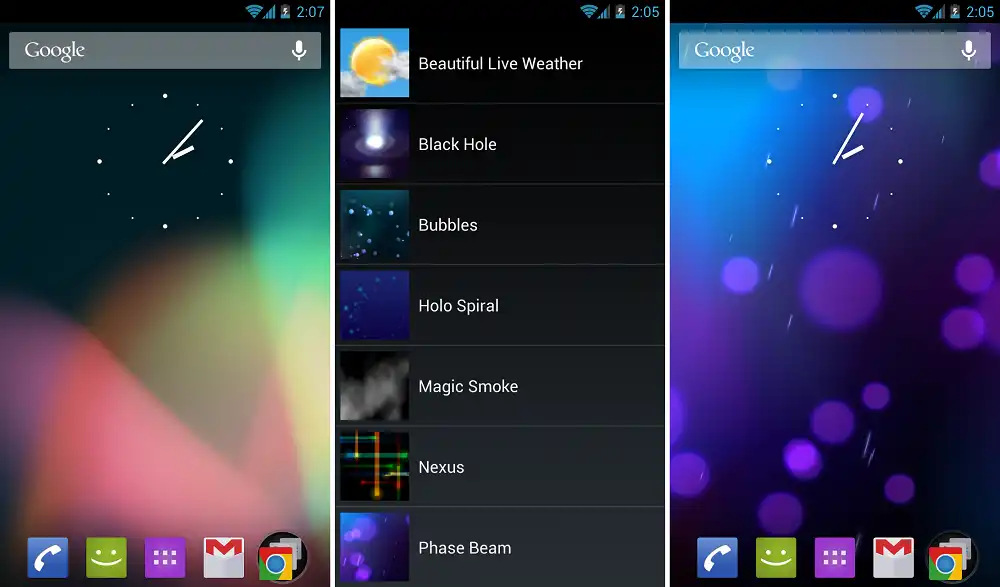
To set an live wallpapers for a mobile device, you need programs to do that. Through this article, I will present to you the three best programs for setting live wallpapers for your mobile, but I do not recommend them. After a lot of experiments and reading many articles, live wallpaper programs have proven that they consume a lot of device resources, most of them the battery.
But if you are one of the people who care about the aesthetics of your device, I advise you to download it, because it will make your mobile device a masterpiece.
Note: All live wallpaper programs consume a lot of your mobile battery
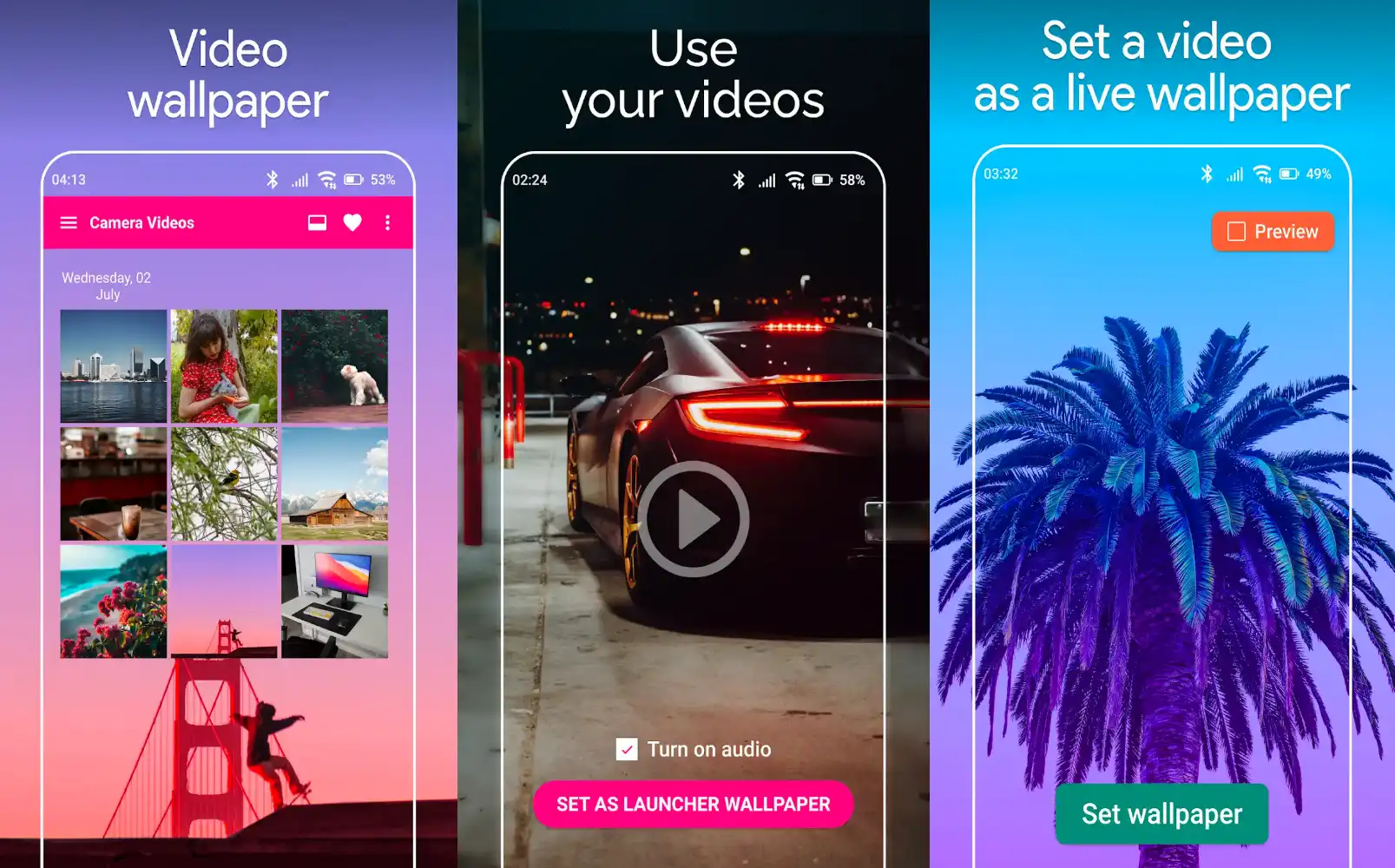
1. Video Live Wallpaper ($0.99)
Video Live Wallpaper allow you to set your memorial video or any video as Live Wallpaper.
Set your videos to lock screen live wallpaper or home screen live wallpaper.
Video live wallpaper do not have any crop video, effect video or any other video editing options, its just a simple video live wallpaper maker that is clean app to choose any existing video from your storage to set as live wallpaper for your home screen or lock screen.
Note: Currently only .mp4 format videos are supported.
2. Video Live Wallpaper (Free)
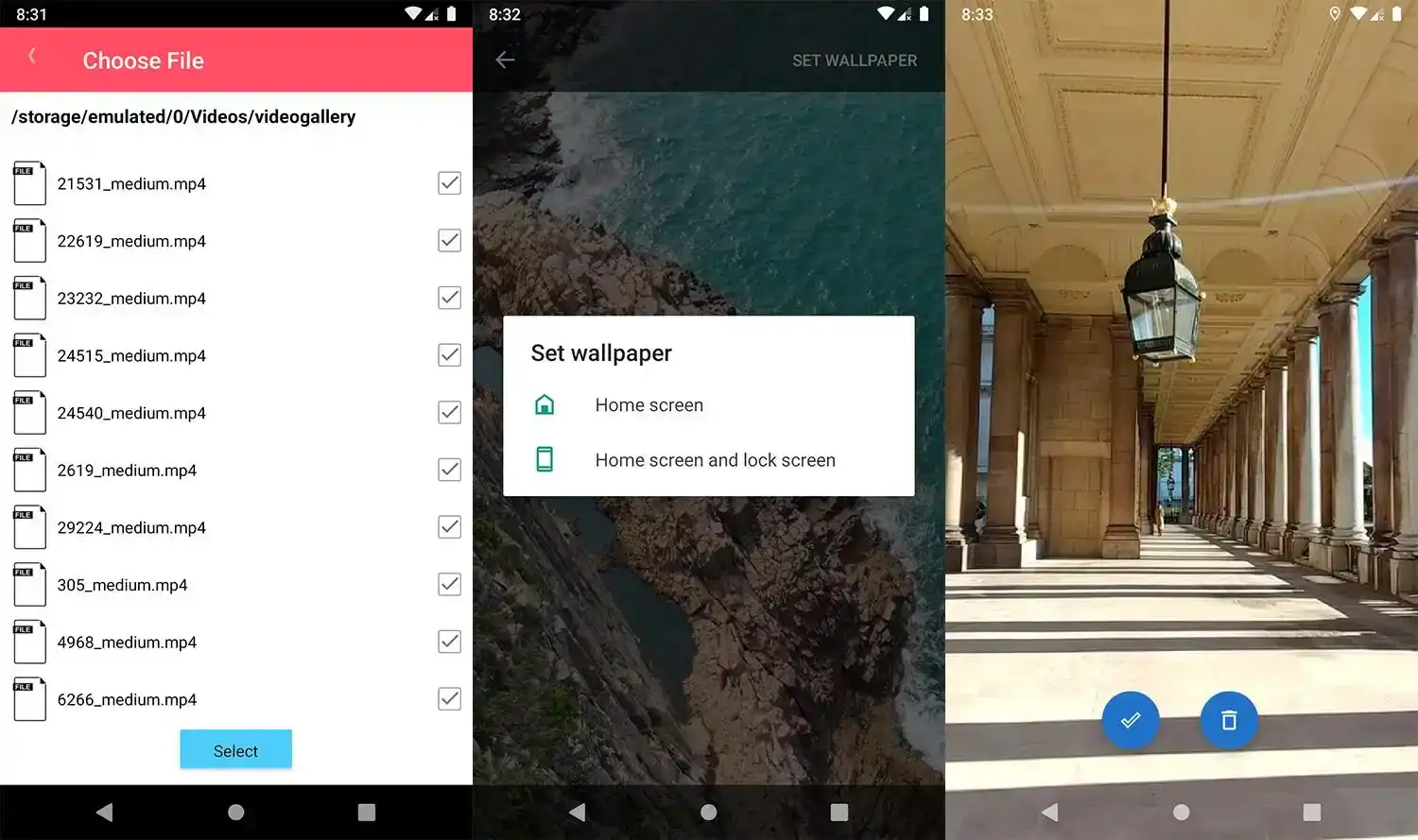
For those who need some additional customization options, the Video Live Wallpaper app is another great alternative. The app not only lets you set any video as a live wallpaper on your home screen or lock screen, but it also gives you a couple of additional settings to trim the video, enable/disable audio, and scale the video to fit the screen.
3. Video Wallpaper (Free)
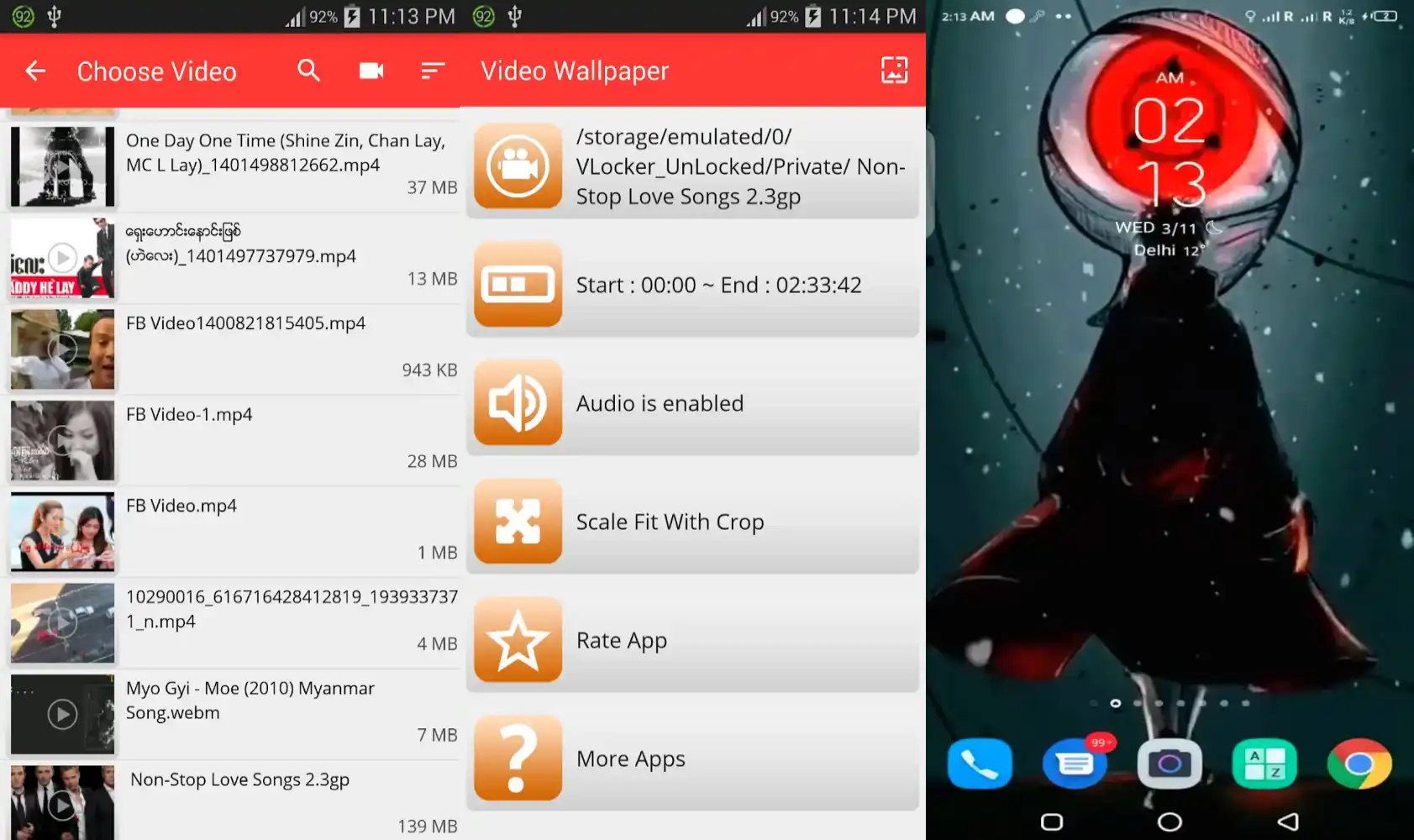
Convert video to a live wallpaper and enjoy your moving backgrounds. Create custom moving wallpapers with our live wallpaper maker and impress your friends!